
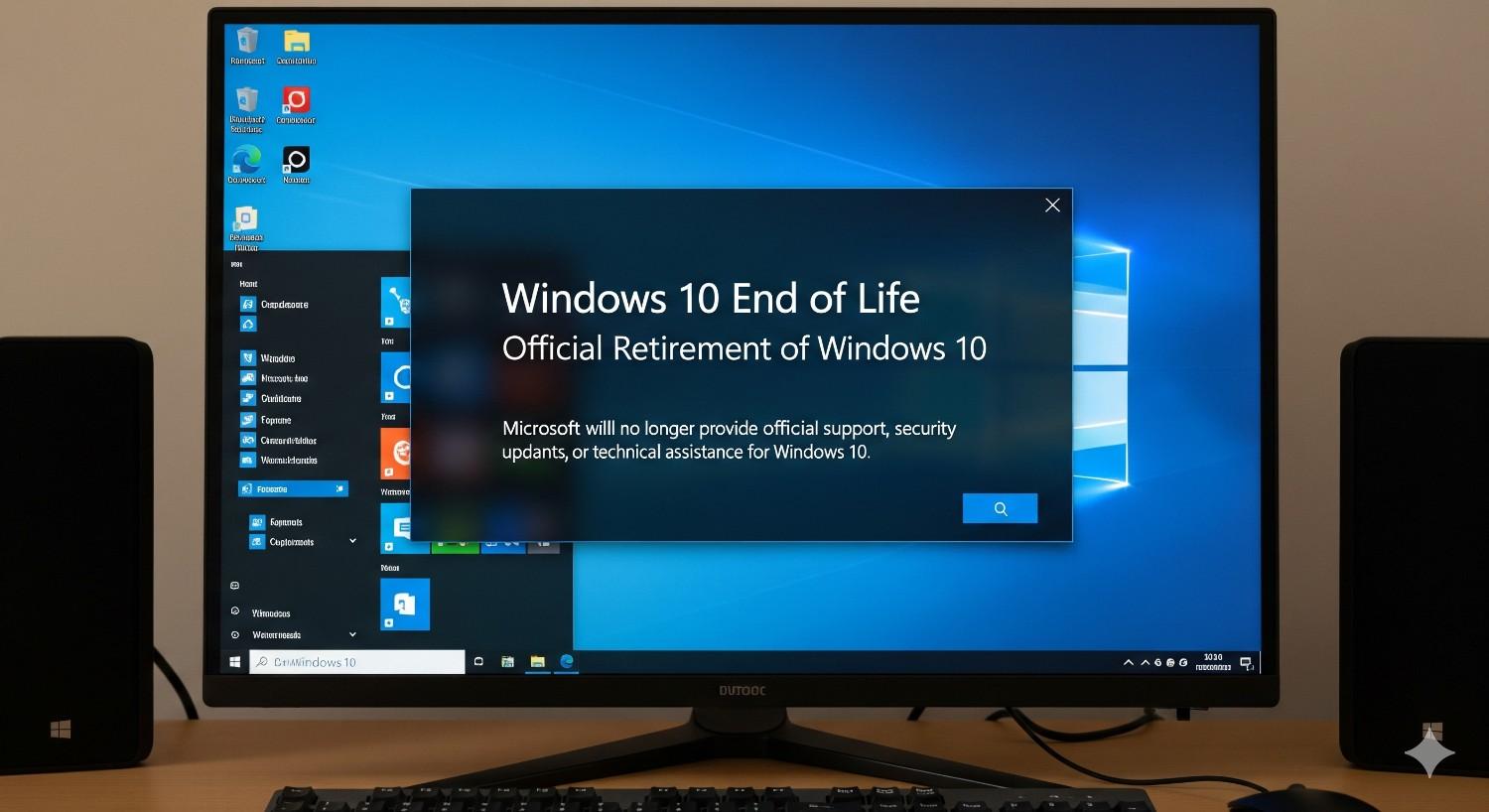
Microsoft Windows 10 has been the most popular operating system in the world for almost a decade. Since its release in 2015, it quickly became a favorite for personal use, offices, and schools due to its stability, speed, and wide compatibility.
However, every software has a lifecycle, and now it’s time for Windows 10 to reach its end. Microsoft has
officially announced that Windows 10 support will end on October 14, 2025.
If you are still using Windows 10, this is an important deadline you cannot ignore. After the Windows 10 end date, Microsoft will stop providing updates, security patches, and technical support. Your PC will still run, but it will become less safe, less compatible with new applications, and more vulnerable to cyberattacks.
In this blog, we will explain what the Windows 10 end of support means, what options you have, and how to prepare before the deadline arrives.
Table of Contents
When Will Windows 10 Support End?
The official Windows 10 end of support date is October 14, 2025. After this day, Microsoft will no longer provide:
Security updates → No more patches for new viruses, malware, or ransomware.
Bug fixes → Any performance or system errors will remain unresolved.
Technical support → Microsoft will no longer assist if your PC runs into issues.
So yes, your computer will still work on October 15, 2025, but using Windows 10 after support ends is like driving a car without a seatbelt—possible, but risky and unsafe.
What Is the Extended Security Updates (ESU) Program?
Microsoft knows that not everyone can upgrade immediately. To help users, it has introduced the Extended Security Updates (ESU) program.
For home users → You can extend security updates for one additional year, until October 13, 2026.
For businesses and schools → ESU may be extended until October 2028, depending on licensing and agreements
However, ESU is limited:
You only get security updates.
No new features or performance improvements.
No technical support.
In short, ESU is a temporary solution. It buys you time but does not solve the long-term issue of Windows 10 end.
How to Prepare for Windows 10 End
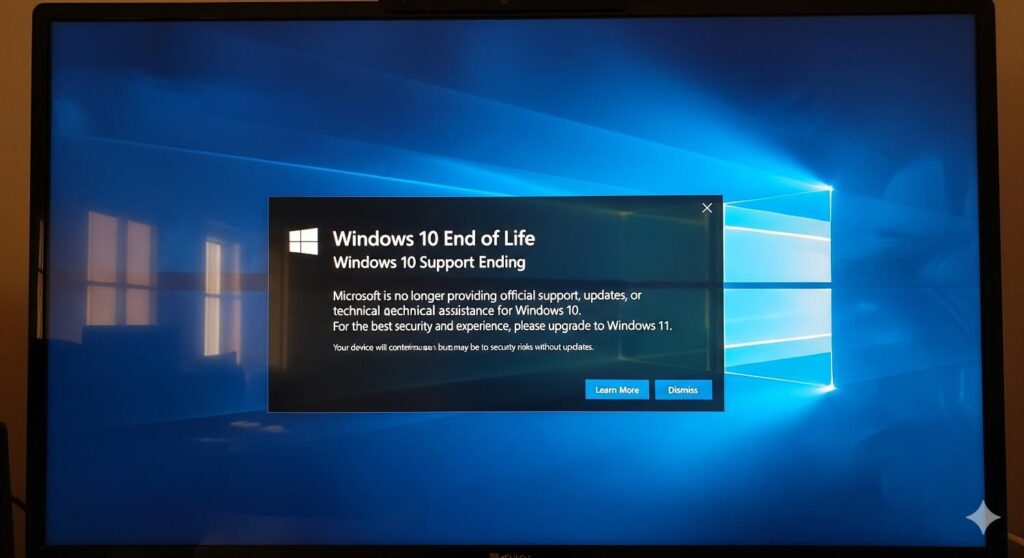
With the Windows 10 end date coming closer, now is the time to make a plan. Here’s a simple checklist to prepare:
1. Check if Your PC Can Run Windows 11
Microsoft has specific hardware requirements for Windows 11, such as TPM 2.0, Secure Boot, and newer processors. Use the PC Health Check Tool to see if your device is compatible. If it is, you can upgrade to Windows 11 for free.
2. Back Up Your Files
Before upgrading, make sure to back up your important files. Use OneDrive, Google Drive, or an external hard drive to secure your data. This ensures that you don’t lose valuable documents, photos, or applications during the transition.
3. Upgrade to Windows 11 (If Possible)
If your PC is compatible, upgrading to Windows 11 is the best option. You will continue receiving security updates, enjoy new features, and benefit from better system performance and reliability.
4. Consider Buying a New PC
If your current system does not meet Windows 11 requirements, it may be time to invest in a new device. Most modern PCs come with Windows 11 preinstalled, giving you a secure, future-ready machine.
5. Use ESU as a Temporary Solution
If upgrading or buying a new PC is not possible right now, consider enrolling in the ESU program. This will keep your system secure for a little longer, but remember—it is not a permanent solution.
Risks of Ignoring the Windows 10 End
Some users may decide to continue using Windows 10 even after support ends. While it is technically possible, it is very risky.
Here’s why ignoring the Windows 10 end of support is dangerous:
Security risks → Unsupported systems are easy targets for hackers and cybercriminals.
Software compatibility issues → New apps and updates may not work on Windows 10. Even Microsoft 365 will eventually stop supporting it.
Driver problems → New hardware such as printers, graphics cards, and USB devices may not function properly.
Compliance issues for businesses → Running unsupported software can lead to legal and security compliance problems.
Alternatives to Windows 11
Not everyone wants to move to Windows 11. If you don’t, here are some alternatives after the Windows 10 end:
Stay on Windows 10 with ESU → Good for short-term use, but limited.
Switch to Linux OS → Free, secure, and widely supported. Popular options include Ubuntu, Fedora, and Linux Mint.
Use Cloud PCs → Services like Windows 365 let you run Windows on the cloud, which means you don’t need high-end hardware.
Each option has its pros and cons, but the most important thing is to prepare before Windows 10 reaches its end.
Quick Windows 10 End-of-Support Checklist
Here’s a summary to keep handy:
Check hardware compatibility for Windows 11
Back up your important files
Upgrade to Windows 11 if possible
Buy a new PC if your hardware is outdated
Use ESU temporarily if needed
Explore Linux or Cloud PC alternatives
FAQs About Windows 10 End :
1. Will Windows 10 stop working after October 14, 2025?
No. Your PC will still function, but it will not receive security updates, bug fixes, or technical support. This makes your system unsafe and less compatible with new apps.
2. Can I still use Windows 10 after support ends?
Yes, but it’s not recommended. Without updates, your system will be exposed to cyberattacks and software issues. Consider upgrading or using ESU.
3. How do I know if my PC supports Windows 11?
Use Microsoft’s PC Health Check Tool. If your PC meets requirements like TPM 2.0 and Secure Boot, you can upgrade for free.
4. What if I don’t want Windows 11?
You can use ESU for a limited time, switch to Linux, or consider cloud-based solutions like Windows 365.
5. Will Microsoft 365 work on Windows 10 after 2025?
Initially yes, but Microsoft has already announced that future updates of Microsoft 365 will eventually stop supporting Windows 10. Long-term users may face issues.
Final Thoughts:
Windows 10 has been one of the most successful operating systems in Microsoft’s history. Millions of users still rely on it daily, but its journey is coming to an end.
The Windows 10 end of support date—October 14, 2025—is closer than it seems. Planning ahead will save you stress, reduce risks, and keep your PC secure. Whether you upgrade to Windows 11, use ESU, buy new hardware, or explore other operating systems, the key is to act early.
Don’t wait until your computer becomes unsafe or incompatible. Prepare for the Windows 10 end now and keep your system future-ready.